
On January 11, 2023, Apple introduced Apple Business Connect, a free tool that lets businesses claim their location place cards and customize how key information appears across Apple Maps, Messages, Wallet, Siri and other apps. Businesses can add photos and logos, highlight actions and use a new Showcases feature for offers. For chiropractic practices, it meant Apple Maps could finally be managed directly, alongside Google Business Profile.
Local search for chiropractic practices usually means Google. Practices invest in their Google Business Profile, reviews and local pages, and for good reason. But millions of patients use iPhones, and many of them search Apple Maps or ask Siri when they need a chiropractor nearby. Until 2023, practices had limited direct control over how they appeared there.
That changed when Apple introduced Business Connect in January 2023. For the first time, practices could claim and customize their Apple place cards through a free self-service tool. It created a second major local listing that deserved the same care as Google.
This retrospective covers what Apple launched and what it means for chiropractic practices today. It connects to our coverage of the 2024 shutdown of Google Business Profile websites, the 2024 Google search documents leak and Google’s 2025 spam update.
What actually happened in 2023
January 11: the launch. Apple introduced Apple Business Connect, a free tool that lets businesses claim their location place cards and customize key information across Apple Maps, Messages, Wallet, Siri and other apps. Apple said this information appears to more than a billion Apple users.
Place card control. Businesses could add and update photos and logos, invite customers to take actions directly from Maps and present special promotions.
Showcases. Apple introduced Showcases, a place card feature for offers and incentives. Showcases were available to US businesses at launch, with global availability planned.
Registration. Business owners register with an Apple ID at a self-service website. Once Apple verifies the business, owners can claim their locations and update their place cards for free.
Scale. For businesses with many locations, Apple offered the Business Connect API through listing management agencies including Reputation, Rio SEO, SOCi, Uberall and Yext.
Why it mattered for chiropractic practices
Chiropractic care is highly local. Patients often search when they are in pain and want help nearby, and they choose quickly. If the Apple Maps listing showed an old phone number, wrong hours or no photos, an iPhone user might pick a competitor without ever seeing the practice’s Google listing.
Business Connect let practices fix those problems directly. It also gave them a way to present the practice attractively, with real photos of the space and team, and clear actions such as calling or visiting the website.
Siri mattered too. When someone asks Siri for a nearby chiropractor, the answer draws on Apple’s place data. An accurate, complete listing is the foundation for showing up in that answer.
What typical agencies did
Most agencies ignored Apple Maps entirely, even after the launch. Local SEO plans focused on Google Business Profile and directory citations, and Apple listings were left to whatever data Apple had collected. Some practices discovered years later that their Apple listing still showed a former address.
The better approach treated Apple Business Connect as a core listing: claimed, verified, accurate and maintained alongside Google. It took a few hours to set up and a few minutes each quarter to maintain, a small investment for a listing that reaches a large share of mobile users.
What it means for a chiropractic practice today
These steps make sure iPhone users find and choose the practice.
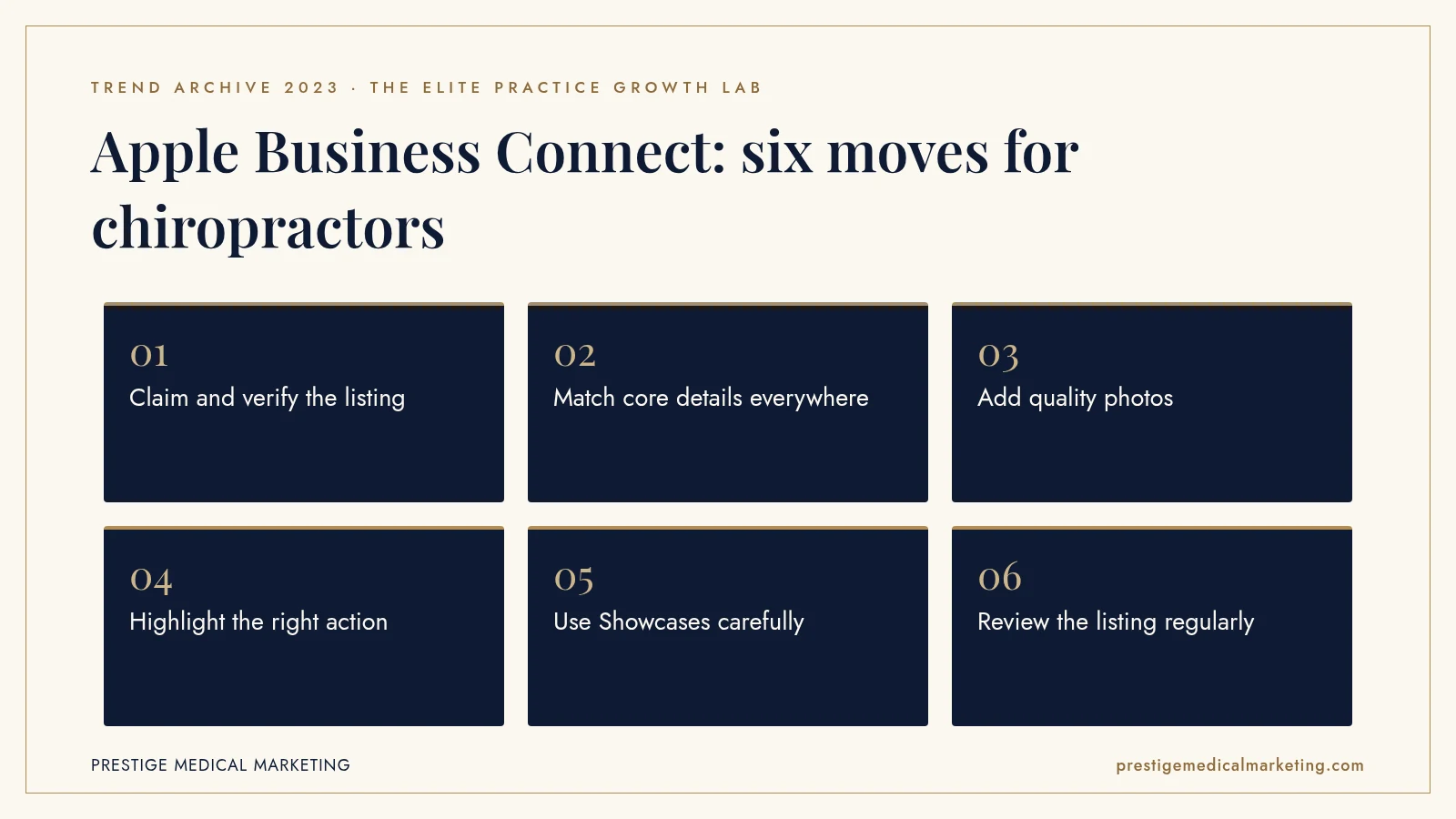
1. Claim and verify the listing
Register with an Apple ID, verify the practice and claim every location. Use an account the practice controls, not one tied to a departed employee or a former agency, so access is never lost.
2. Match core details everywhere
Keep the practice name, address, phone number, hours and website identical across Apple, Google and the practice website. Inconsistent details confuse patients and weaken trust in the listing.
3. Add quality photos
Upload real, current photos of the reception area, treatment rooms and team. A polished, welcoming place card helps a patient choose before they call.
4. Highlight the right action
Point the main action to the step that matters most, such as calling or booking online. Make sure the destination works well on a phone.
5. Use Showcases carefully
If the practice uses Showcases for offers, keep them accurate, current and consistent with advertising rules. Remove expired offers promptly.
6. Review the listing regularly
Check the place card every quarter and after any change in hours, phone numbers or location. Holiday hours deserve special attention, because a patient who arrives to a closed door rarely returns.

Apple Maps and Google Business Profile together
Business Connect does not replace Google Business Profile. It complements it. Google remains the dominant local search platform, and its profile carries reviews, posts and rich information that influence rankings. Apple Maps reaches a different moment: the iPhone user who opens Maps, taps a search suggestion, asks Siri or follows directions from a message. Practices that manage both cover far more of the local journey.
The practical approach is to treat the practice website as the source of truth and keep both listings synchronized with it. When something changes, update the website, Google and Apple the same day. Our approach to Google Maps and AI search visibility covers that process.
Categories and services
Choosing the right category helps Apple understand what the practice offers and when to show it. A chiropractic practice should use the most accurate primary category available and make sure the website clearly describes its core services, such as spinal adjustments, sports care or prenatal chiropractic. When the listing, the website and other directories all describe the practice the same way, search systems can match it to the right requests with more confidence. Vague or mismatched descriptions make that harder and can send the practice into irrelevant searches while missing the ones that matter.
Siri and voice search
Voice requests are short and urgent: “find a chiropractor near me” or “call my chiropractor.” Siri answers by drawing on place data and often offers to call or give directions. There is no ranking report for these requests, but the basics are clear. A practice with a claimed, accurate listing and a correct category is in a better position than one with incomplete or outdated information.
That matters more as voice assistants and AI tools answer more local questions directly. Our guide to getting recommended by AI explains why consistent, verifiable business information is the foundation for those recommendations.
Photos that reflect a premium practice
A place card is often the first visual impression a patient has of a practice. Dark, outdated or generic images make even an excellent practice look ordinary. Bright, well-composed photos of a clean, modern space and a welcoming team suggest the experience patients can expect.
Photos should be real and current. Images that do not match the actual practice create disappointment when the patient arrives. A refreshed photo set once a year, or after any renovation, keeps the listing honest and attractive.
Listing accuracy and trust
Patients who drive to an old address or call a disconnected number rarely give the practice a second chance. They may also leave a frustrated review. Inaccurate listings cost more than a single appointment. They damage reputation in ways that are hard to repair.
Accuracy is also a trust signal for search engines and AI systems. When the practice name, address and phone number match across the website, Google, Apple and major directories, those systems can confidently connect them to the same practice. Our guide to reputation and premium pricing explains how trust supports higher-value care.
Multi-location practices
For chiropractic groups with several locations, managing Apple listings one by one can become a chore. Apple’s Business Connect API, available through listing management agencies, lets groups keep information synchronized at scale. Each location still needs its own accurate details, photos and hours, and each should link to a location page on the website rather than the homepage.
Group practices should also assign clear ownership. Someone needs to be responsible for every listing, with a checklist for openings, closures, provider changes and holiday hours. Our chiropractic marketing guide covers how to structure local visibility for growing practices.
Reviews and ratings on Apple Maps
Patients who find a practice on Apple Maps still want reassurance before they call. Ratings and review content shown on the place card, along with what they find on Google and the practice website, shape that decision. Practices cannot control every review source, but they can build a steady flow of genuine feedback from satisfied patients and respond professionally to concerns where responses are possible.
The rules are the same everywhere: never offer incentives for positive reviews, never post fake reviews and never reveal health details in a reply. Our coverage of the FTC’s 2024 fake review rule explains the legal stakes.
Connecting the listing to booking
A place card is only valuable if it leads to an appointment. The website link should go to a fast, mobile-friendly page that explains services and offers a clear way to book. The phone number should reach a person or a well-designed call flow, not an unanswered line. Patients who call from Maps are often ready to book that day, so speed matters.
Practices that track calls and online bookings from Apple can see whether the listing is producing patients. Our booking engine service and guide to call handling and lead leakage cover the systems that turn listing views into visits.
Measuring Apple Maps impact
Apple Business Connect provides insights on how people interact with a place card, such as views and taps on actions. Practices should review those along with website analytics and call tracking to understand how many patients come from Apple. Even rough numbers help decide how much attention the listing deserves and whether photos or actions should be improved. Tagging the website link in the listing helps separate Apple traffic from other sources.
What 2023 does not tell us
Apple has not published data on how much Business Connect listings affect patient choices for healthcare providers, and we do not know how Apple ranks local results in detail. Features have also expanded since launch, so current options should be checked in Apple’s own documentation. What 2023 does show is the documented launch: a free tool, available to businesses of all sizes, for managing how they appear across Apple’s apps.
The premium practice advantage
Premium chiropractic practices make every first impression count, on every platform. Visit our chiropractic marketing service, our services, who we help and our approach to Maps and AI search visibility. Our team works from Austin with practices nationwide.
The bottom line
Apple Business Connect gave chiropractic practices direct control over how they appear to iPhone users across Maps and Siri. Practices that claim, verify and maintain their Apple listing alongside Google are easier to find and easier to choose. It is one of the simplest, lowest-cost improvements a local practice can make, and it keeps paying off as more patients search by phone and voice.
Check if your market is open. We take one practice per specialty per market. Request a market check or call (716) 400-0084.
Frequently asked questions
What is Apple Business Connect?
It is a free Apple tool, introduced on January 11, 2023, that lets businesses claim their location place cards and customize information across Apple Maps, Messages, Wallet, Siri and other apps.
Does Apple Business Connect cost anything?
Apple described it as free. Businesses register with an Apple ID, verify the business and then claim and update their locations.
What can a practice update in Business Connect?
Apple said businesses can add and update photos and logos, highlight actions customers can take from the place card and present offers through Showcases.
What are Showcases?
Showcases are a place card feature for presenting offers and incentives. Apple said they were available to US businesses at launch.
Can multi-location practices manage listings at scale?
Yes. Apple said the Business Connect API lets businesses deliver information at scale through listing management agencies such as Reputation, Rio SEO, SOCi, Uberall and Yext.
Why should a chiropractic practice care?
Many iPhone users search Apple Maps or ask Siri for nearby providers. An accurate, attractive place card helps a practice get found and chosen.