
Google began rolling out the page experience update on mobile on June 15, 2021 and completed it on September 2, 2021. It added the Core Web Vitals metrics for loading, interactivity and visual stability to existing page experience signals such as mobile-friendliness and HTTPS. Google said page experience was one of many factors and that sites should not expect drastic changes. For private practices, the real lesson was that fast, stable, easy websites serve patients and search alike.
For years, many private practice websites were designed to impress on a large desktop monitor in a conference room. Full-width sliders, autoplay video, chat widgets, pop-ups and several tracking scripts all loaded at once. On a phone over a cellular connection, the same site could take several seconds to settle, with buttons jumping as images arrived.
In 2021, Google gave those problems a name in its ranking systems. The page experience update brought Core Web Vitals, a set of measurements for loading, responsiveness and visual stability, into Google’s ranking signals on mobile. It was not a dramatic overhaul of search, and Google said so clearly. But it gave practices a concrete reason to look at what their websites felt like to a patient holding a phone.
This retrospective covers what Google actually did in 2021, how practices and agencies responded and what a practice website should focus on today. For the later chapters, see our look at page experience coming to desktop in 2022 and Interaction to Next Paint becoming a Core Web Vital in 2024.
What actually happened in 2021
April 19: the schedule. Google published more details on the page experience update. It said it would begin using page experience in its ranking systems from mid-June 2021, with the change not playing its full role until the end of August. Google compared the gradual rollout to adding a flavoring to food slowly rather than all at once.
The signals. Google said the update would consider several page experience signals, including the three Core Web Vitals: Largest Contentful Paint, First Input Delay and Cumulative Layout Shift. These joined existing signals such as mobile-friendliness, HTTPS and the absence of intrusive interstitials.
A clear caveat. In the same announcement, Google wrote that page experience remains one of many factors its systems take into account and that sites generally should not expect drastic changes. That sentence was easy to overlook amid the vendor marketing that followed.
June 15 to September 2: the rollout. Google’s Search status dashboard records that the page experience update began on June 15, 2021 and was completed on September 2, 2021.
November: desktop announced. Google later announced it would bring page experience to desktop ranking, with that rollout planned for February to March 2022.
Why it mattered for private practices
Most prospective patients find and evaluate a practice on a phone. They search, tap a result, look at a page for a few seconds and decide whether to call, book or go back. The page experience update put a ranking label on the same friction those patients had always felt.
Private practice websites had specific weak spots. Large uncompressed hero images slowed loading. Sliders and video backgrounds delayed the main content. Pop-ups for offers or newsletter signups covered the page as soon as it loaded. Chat widgets, review widgets and multiple tracking tags competed for the phone’s processor. Layouts shifted as fonts and banners loaded, so a patient trying to tap the phone number hit something else.
None of those problems began with Google’s update. What changed was that a practice now had a measurable, public reason to fix them, and Search Console offered a report that showed which pages needed work.
What typical agencies did
The update created a burst of urgency selling. Some agencies promised that a perfect performance score would lift rankings substantially, which overstated what Google had said. Others installed optimization plugins that improved a lab score while breaking parts of the site or hiding problems rather than solving them.
Another common mistake was chasing a single number from a testing tool. Lab tests are useful for diagnosis, but Google’s Core Web Vitals assessment relies on field data from real Chrome users. A site could score well in a lab test and still feel slow to real patients on older phones.
The better approach was steady and practical: simplify templates, compress and size images properly, remove scripts that were not earning their place, reserve space for elements that load late and test on real devices. Those changes improved the experience whether or not they moved rankings.
What it means for a practice website today
The metrics have evolved since 2021, but the principles have held. These are the habits that matter.
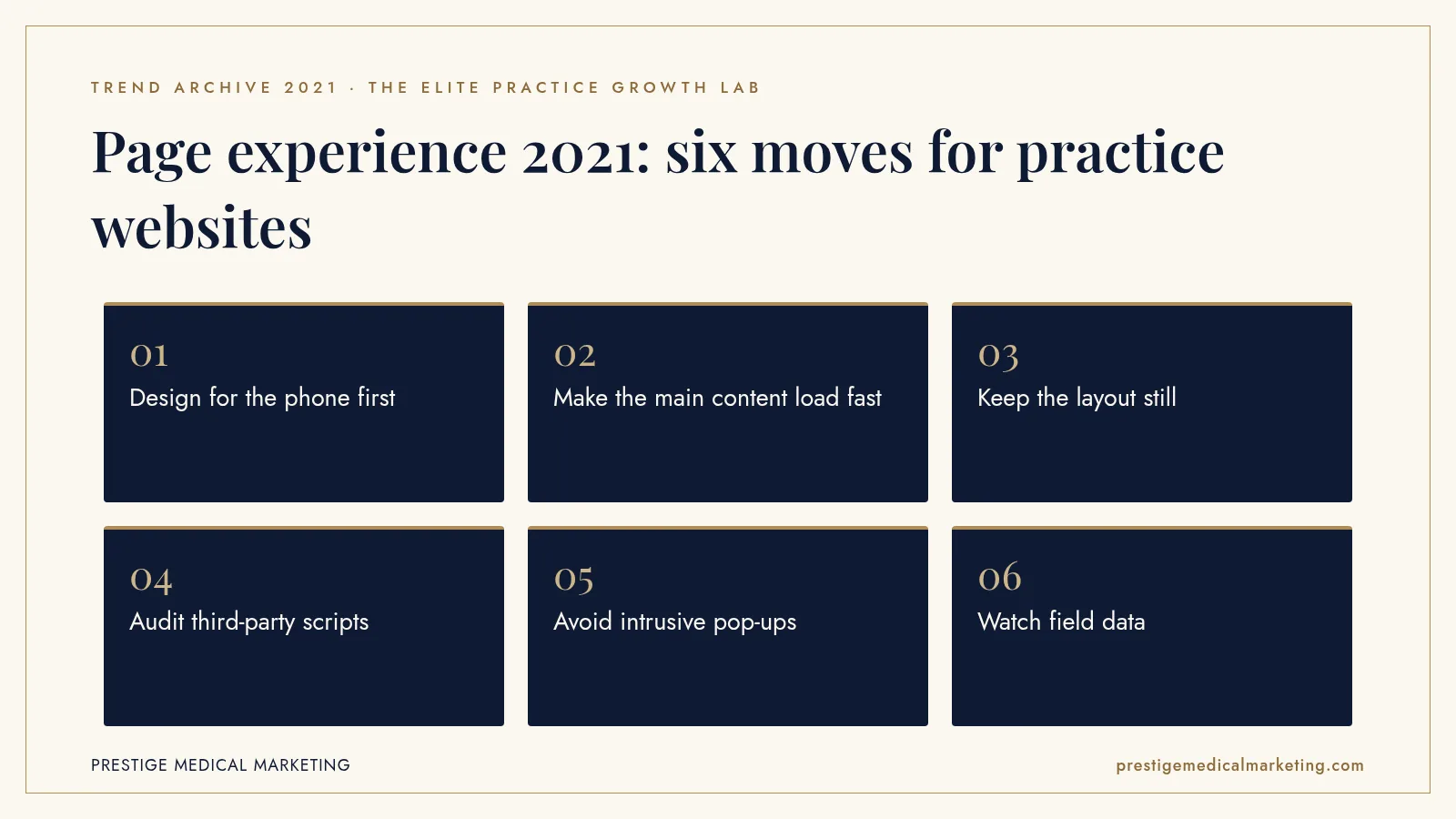
1. Design for the phone first
Start with the mobile layout and the patient’s first question. The main message, a clear call to action and a visible way to book or call should appear immediately.
2. Make the main content load fast
Use modern image formats, size images for the screen and avoid giant hero sliders. The largest element on the page should arrive quickly.
3. Keep the layout still
Reserve space for images, banners and embeds so content does not jump. Patients should be able to tap what they meant to tap.
4. Audit third-party scripts
Chat, reviews, heatmaps and tracking tags all add weight. Keep only what earns its place, and review anything on sensitive pages for privacy risk.
5. Avoid intrusive pop-ups
An offer that covers the page on arrival frustrates patients and can count against page experience. Use calm, inline prompts instead.
6. Watch field data
Search Console’s Core Web Vitals report reflects real visits. Use it alongside lab tools to find and fix problems patients actually experience.

Speed and premium design are not opposites
Some practices worried that a faster site meant a plainer one. That is not the trade-off. A premium website can use rich photography, refined typography and generous spacing while still loading quickly. The difference is discipline: images prepared for the web, fonts loaded efficiently, animations used sparingly and components built for the purpose rather than bolted on from a page builder.
In practice, the most elegant practice websites are often the fastest. They say less, show fewer but better images and give each page a clear job. A procedure page explains the procedure, shows relevant results with consent and invites a consultation. A provider page presents credentials and philosophy. Clutter is usually the enemy of both speed and luxury.
Booking paths deserve the same care. A booking widget that loads slowly or shifts the layout can undo a fast page. Testing the full journey from search result to confirmed appointment on a mid-range phone shows where patients actually wait.
How to read Core Web Vitals honestly
Search Console groups URLs into good, needs improvement and poor based on field data from Chrome users. For a small practice website, there may not be enough traffic to report every page individually, so Google groups similar pages together. That makes the report a directional tool rather than a precise scoreboard.
The useful questions are simple. Are most visits on mobile rated good? Which page templates fall short, and why? Did a recent change, such as a new widget or plugin, make things worse? Fixing the template that powers many pages usually matters more than polishing one page.
It also helps to separate performance from content. A fast page with thin or unhelpful content will not rank well simply because it is fast. Google’s own framing was that great content can still rank even if page experience is not perfect, and that page experience can help when many pages are similarly relevant.
A practical rebuild checklist
For a practice planning a redesign, a short checklist captures most of what the 2021 update was about. Choose a lightweight theme or custom build instead of a heavy multipurpose template. Prepare every image at the sizes it will be displayed, in a modern format, with descriptive alt text. Load only the fonts you need. Remove sliders and autoplay video from the top of key pages. Place the phone number and booking button where a thumb can reach them. Test on a real mid-range phone over a cellular connection before launch, then watch field data for the following months.
Ongoing maintenance matters as much as launch. Plugins, marketing tags and embedded tools tend to accumulate over time. A quarterly review that asks what each script does, who uses its data and whether it still earns its place keeps a fast site fast.
Accessibility belongs in the same conversation
Page experience and accessibility overlap more than many practices realize. Clear headings, readable text sizes, sufficient color contrast, descriptive link text and buttons large enough to tap all make a site easier for everyone, including older patients and people using assistive technology. Many of the same habits that keep layouts stable and pages light also make them easier to navigate with a screen reader.
Forms deserve particular attention. A consultation or booking form should have visible labels, sensible input types on mobile, helpful error messages and as few fields as possible. Every unnecessary field costs completions, and a form that fails on a phone costs patients who were ready to act.
Accessibility is not a ranking trick, and Google did not include it in the 2021 signals. It belongs here because the underlying goal is the same: a website that any prospective patient can use quickly and comfortably. Practices that build with that goal in mind tend to meet search expectations as a side effect.
Images that load fast and look premium
Large, uncompressed images are among the most common causes of slow practice websites. Modern formats, correctly sized files and responsive image markup let a site look elegant on a large monitor and still load quickly on a phone. Premium photography does not have to come at the cost of speed. A practice website should feel effortless on every device, because patients judge the care they will receive by the care they see online. Speed is courtesy.
What 2021 does not tell us
Google did not publish how much weight page experience carried relative to other signals, and studies by third parties produced mixed results. We do not have reliable public data showing how medical practice websites as a group moved in rankings because of the update. What 2021 does establish is that Google considered real-world loading, responsiveness and stability part of a good search result, and that improving them also improved the experience for patients.
The premium practice advantage
A premium practice deserves a website that feels like the practice itself: calm, polished and effortless to use. The work is building it lean and keeping it that way. See our custom websites, our booking engine, our full services, who we help and how we approach Google Maps and AI search visibility. Our team works from Austin with practices nationwide.
The bottom line
Google’s page experience update rolled out on mobile from June 15 to September 2, 2021 and added Core Web Vitals to its ranking signals. It was one factor among many, but it rewarded what patients already wanted: fast, stable, easy websites with a clear path to book.
Check if your market is open. We take one practice per specialty per market. Request a market check or call (716) 400-0084.
Frequently asked questions
When did the page experience update roll out?
Google's status dashboard shows the mobile rollout began on June 15, 2021 and was completed on September 2, 2021. Google later brought page experience to desktop ranking in 2022.
What are Core Web Vitals?
In 2021 the Core Web Vitals were Largest Contentful Paint for loading, First Input Delay for interactivity and Cumulative Layout Shift for visual stability. Interaction to Next Paint later replaced First Input Delay in 2024.
Did Google say page experience would change rankings dramatically?
No. Google said page experience remained one of many factors its systems take into account and that sites generally should not expect drastic changes.
Why did it matter for medical practices?
Many practice websites were built on heavy templates with large images, sliders and pop-ups. The update gave practices another reason to fix experiences that were already frustrating patients on their phones.
Did the update require AMP?
No. Google said AMP would no longer be required for the Top Stories carousel. For most private practices, AMP was never necessary.
What should a practice prioritize today?
Fast loading on mobile, stable layouts, quick responses to taps, clear content and an easy booking path. Those serve patients first and support search performance as one factor among many.